Before you start
You need a barcode scanner.
Steps3
- Plug the scanner in, or pair it by Bluetooth.
- Tap Sell.
- Scan a pack. The item goes on the bill.
If it stops you
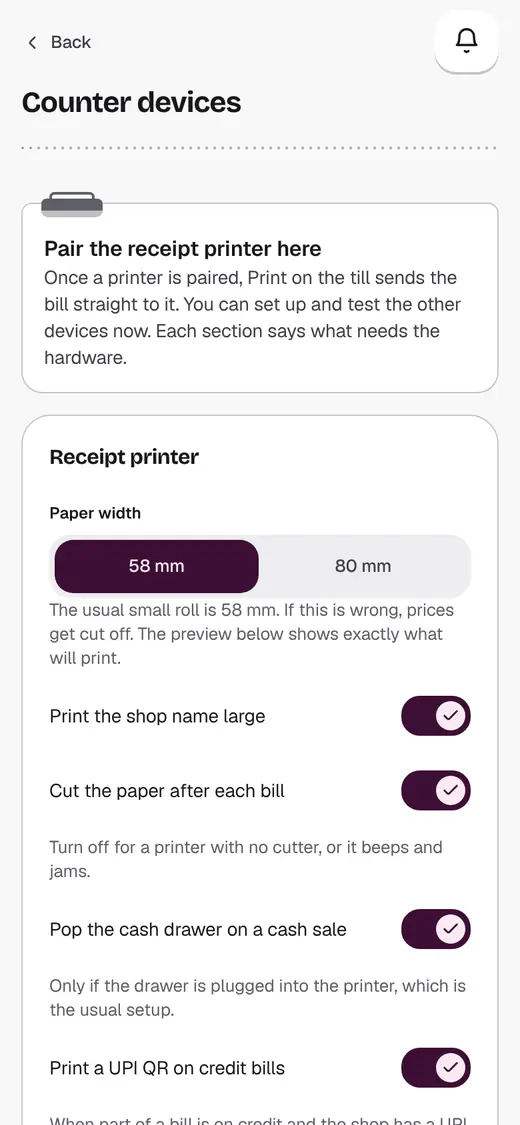
A scan jumps to the wrong box: open Counter devices. Change What the scanner presses after a code.
Good to know
- No scanner? The camera works too.
Still stuck?
In the app, tap ? on the screen you are on and ask in your own words. Or email support@kowntx.com. A person replies in writing. Never send your PIN, code or card number.