Steps7
- Open Business.
- Tap Where you sell.
- Tap Connect next to Blinkit, Zepto or Instamart.
- Download the PO from their partner portal as a CSV file.
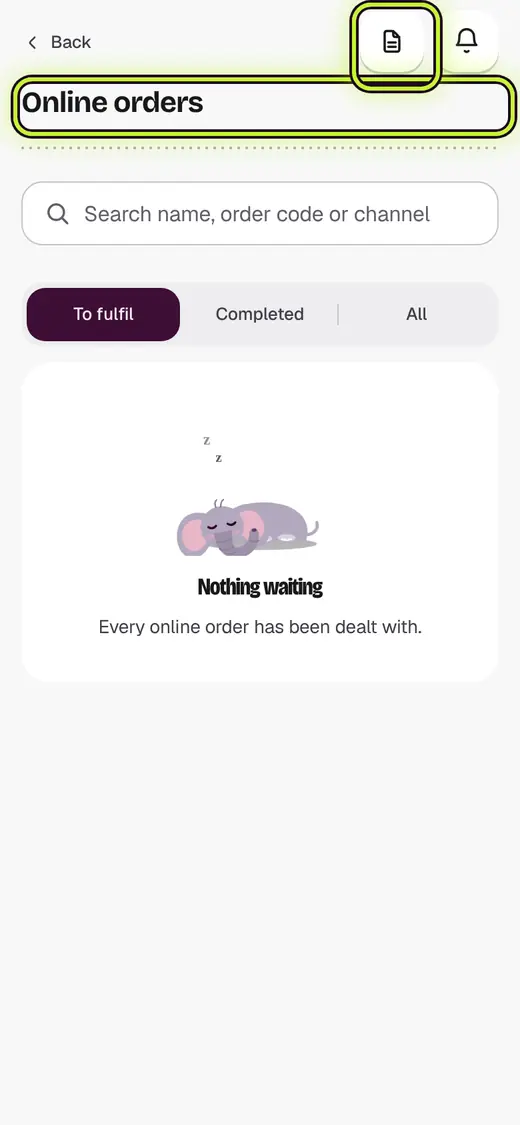
- Open Online orders. Tap Import order report.
- Pick the account, then tap Choose the report file.
- Tap Import.
Good to know
- Each PO is unpaid until the app pays your invoice.
- The stock is held as soon as the PO comes in.
- Deliver before the PO's last day. An expired PO is not brought in.
- Uploading the same file again is safe. A PO already here is skipped.
Next
Still stuck?
In the app, tap ? on the screen you are on and ask in your own words. Or email support@kowntx.com. A person replies in writing. Never send your PIN, code or card number.