Steps6
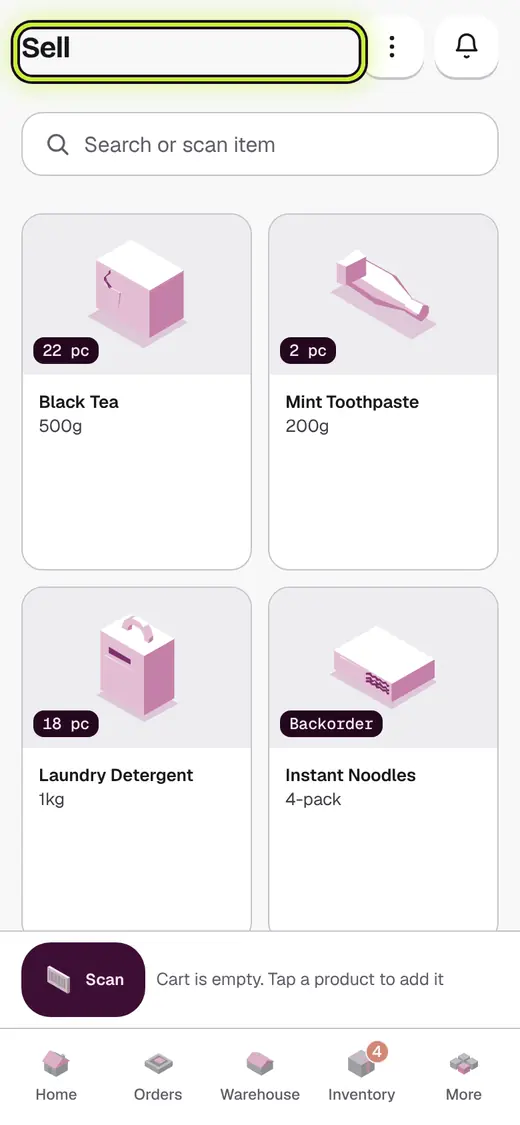
- Add the items on Sell.
- Tap Link a customer to this bill.
- Pick the customer, or tap New customer.
- Tap Checkout.
- Pick Credit.
- Tap Save Bill.
If it stops you
Who is this credit for?: pick the customer in the list, or add a new one right there.
Over this customer's credit limit: take more now, or ask your shop admin.
Credit needs approval: you are not allowed to give credit yet. Tap Ask for approval.
Good to know
- Whatever is not paid now goes on the customer's account.
Next
Still stuck?
In the app, tap ? on the screen you are on and ask in your own words. Or email support@kowntx.com. A person replies in writing. Never send your PIN, code or card number.