Steps6
- Open Business.
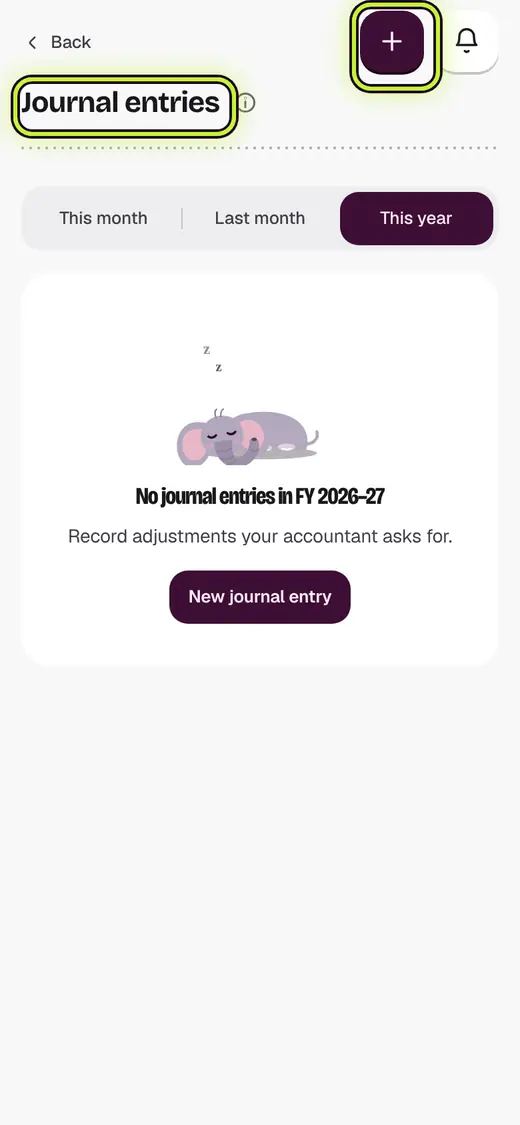
- Tap Journal entries.
- Tap New journal entry.
- Pick what happened, like I put my own money in.
- Type the Amount and the Date.
- Tap Save entry.
Good to know
- Entries show in your profit and loss, balance sheet and Tally file.
- Debits and credits must be equal.
- A wrong entry cannot be changed. Tap it, then tap Void this entry, and add it again.
- Sales, expenses and payments are already in your books. Do not add them again.
Still stuck?
In the app, tap ? on the screen you are on and ask in your own words. Or email support@kowntx.com. A person replies in writing. Never send your PIN, code or card number.